MCP · npm
Rippr
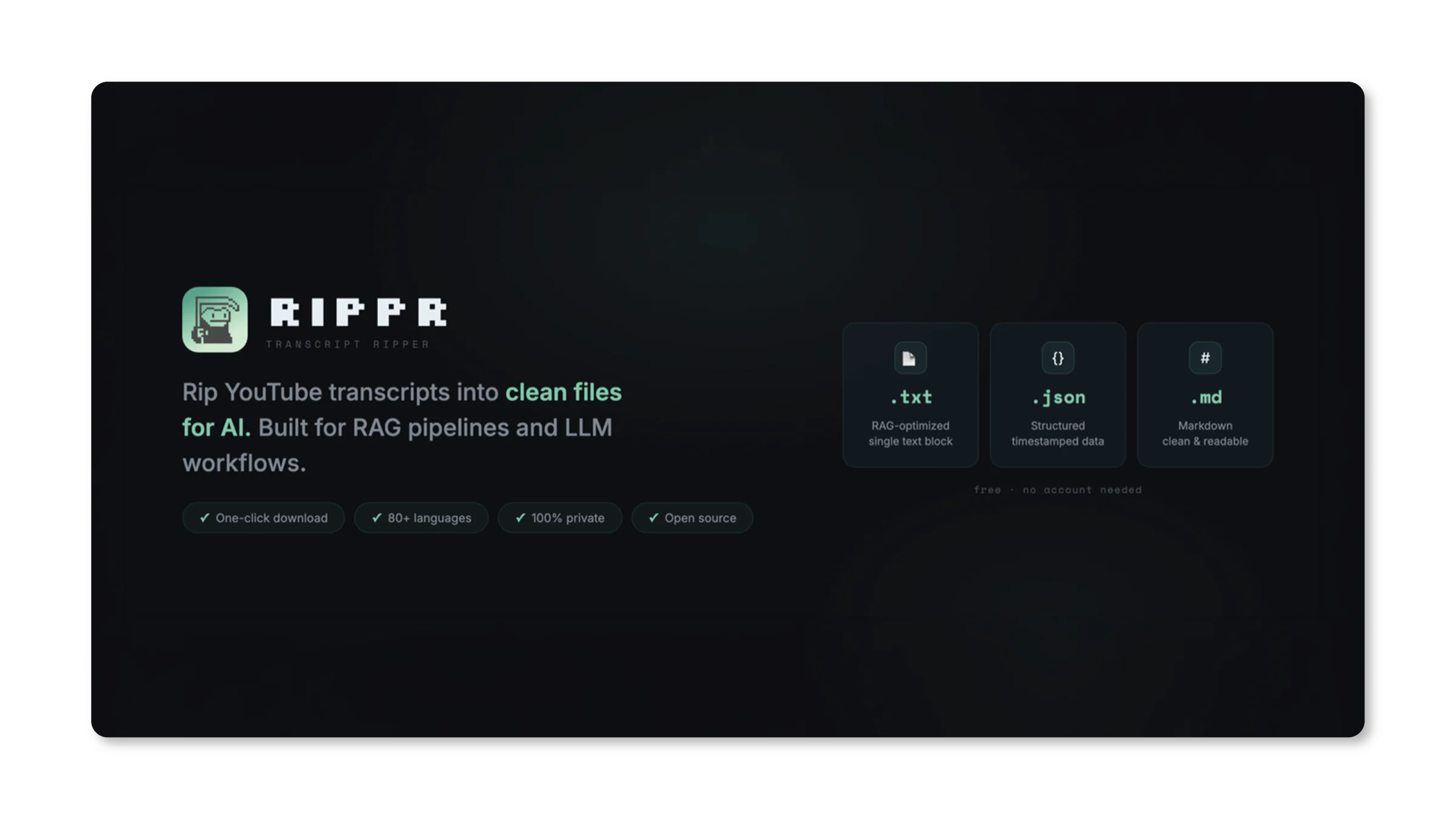
A clean YouTube transcript extractor. Chrome extension for humans, MCP server for agents. One click, three formats, no API keys.
Summary
- What it is
- A YouTube transcript extractor that ships as both a Chrome extension for humans and an MCP server for AI agents.
- How it works
- The same core extraction pulls transcripts through public endpoints and returns clean text in .txt, .json, or .md.
- Why it matters
- Any agent gets a clean transcript in one tool call, with no Python script, no packages, and no wasted tokens.
- Availability
- Open source, free to run, listed on npm and the Chrome Web Store, live at rippr.me.
Context
When I start a project, I have a habit of building a RAG research folder for my LLM. Text files on the topic, docs, anything I can find. But some of the best and most relevant information can be very niche and only exists as video. No articles, no blog posts, just some guy explaining it on YouTube. Most transcript tools either push you toward a paid plan or give you timestamped chunks you have to clean up before an AI can use them. So I made a Chrome extension that gives users clean text in one click.
Later, when I was working with Claude Code, I noticed that it had to write a Python script, install packages, and run the whole thing just to pull a transcript off a video. Extra steps, extra time, and a whole lot of extra tokens. I wanted to learn how MCP generally works, so I turned the extension into an MCP server and published it on npm. Now any agent gets clean transcripts in one tool call.
Install
One command adds the MCP server. After that, any agent calls it directly, no script and no setup.
Decisions
Two surfaces, one product
Rippr was built for two types of users in mind: humans and AI agents. Humans scroll YouTube and need a one-click copy. Agents run headless and need a tool call. Same underlying extraction, two different delivery surfaces. The Chrome extension and the MCP server are the same core logic packaged for where each user lives.
Three output formats for three use cases
Rippr allows three output formats. Flat .txt for RAG ingestion and full-text search. JSON with segment timestamps for structured automation. Markdown with headings and paragraph breaks for both human reading and LLM context. One transcript, three presentations. The user picks what their pipeline needs.
No API keys, no paywall
Every competitor in this space either gates the useful output behind a subscription or requires a YouTube Data API key. I pulled transcripts directly through public endpoints. Free to install, free to run, open source.
Ship
Rippr is open source, listed on npm and the Chrome Web Store. Live landing page at rippr.me. About 650 monthly downloads on npm as of April 2026. The project has no forms of advertising running. The project was fully built with Claude Code.
Reflection

Building websites with AI, experimenting with Open Claw, and getting really deep into Claude Code made me really curious about MCP servers and how they worked. Rippr was the first MCP I created, so I built it to scratch my own itch: clean transcripts for humans in one click, and one tool call for the agents I work with every day.